
AI can create some seriously realistic looking images. Sometimes it’s hard to determine fact from fiction! From photos of celebrities that have already passed away to animals appearing out of nowhere for a terrifying shot, these images are hard to trust. Image authentication is a skill that is becoming more important as synthetic images take over our lives.
How do we spot fake images? Here are a few tips and tricks to help.
First, zoom in and look closely at the image. Do you see hands where they wouldn’t normally be? Does the background look out of place? Is there blurry text? Are there shadows that don’t belong? Is there anything that doesn’t belong?
This is an an example of an AI generated image:
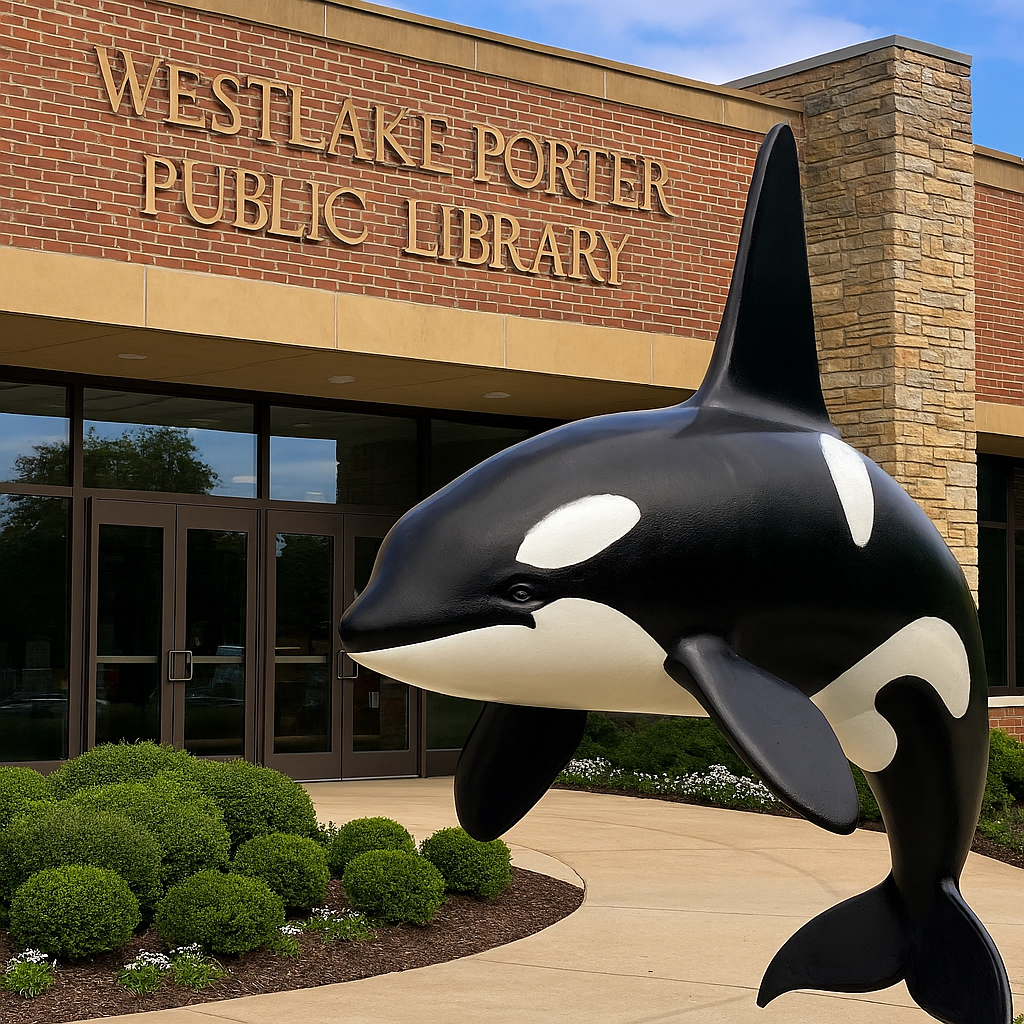
Yes, that is an orca whale at Westlake Porter Public Library. Or is it? How did a killer whale turn up at Westlake Porter Public Library? Hmm. That doesn’t even look like the entrance of Westlake Porter Public Library. IT’S NOT!
This photo was created with Microsoft Copilot’s image generator.
I asked Microsoft Copilot to give me a picture of a killer whale at Westlake Porter Public Library. Guess what? It appeared!
Now let’s upload this image into an AI authenticator image site, like AI or not.
This site clearly states that this image is likely AI Generated. And it is!

Other sites you can use are
Ever wonder where an image came from? Try the Search by Image function in Google
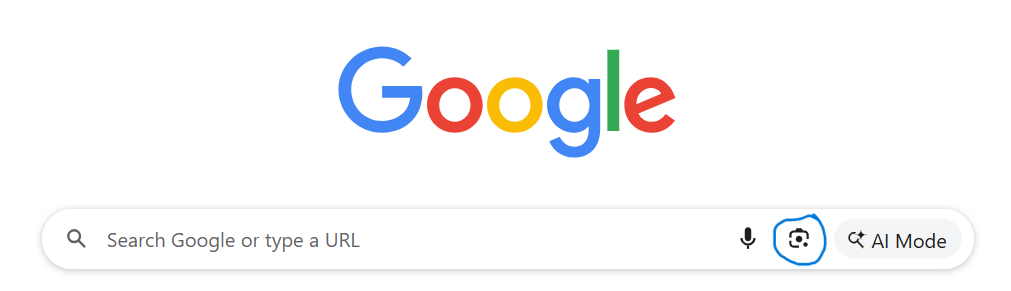
Simply upload an image and Google will search the Internet to determine if it shows up anywhere.

These are just a few helpful tips to help you navigate the world of AI. For more information on authenticating images, try these articles:
https://insight.kellogg.northwestern.edu/article/ai-photos-identification
https://www.cnet.com/pictures/ai-or-not-ai-can-you-spot-the-real-photos


